Products Description
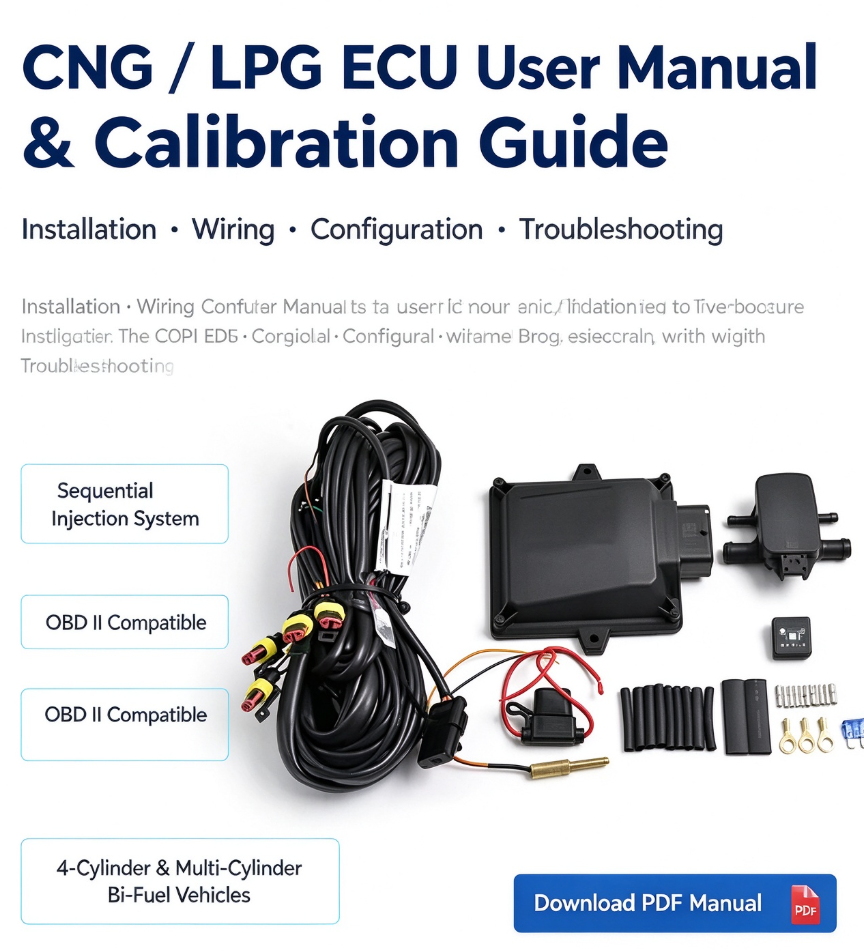
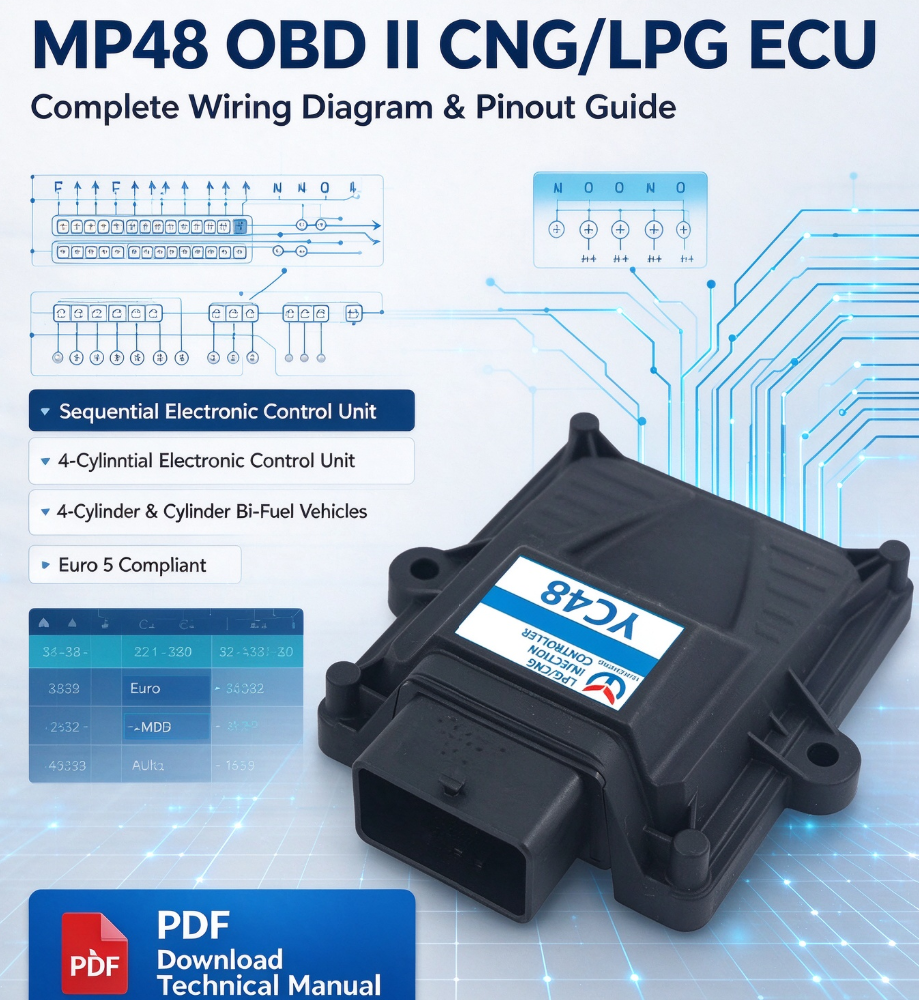
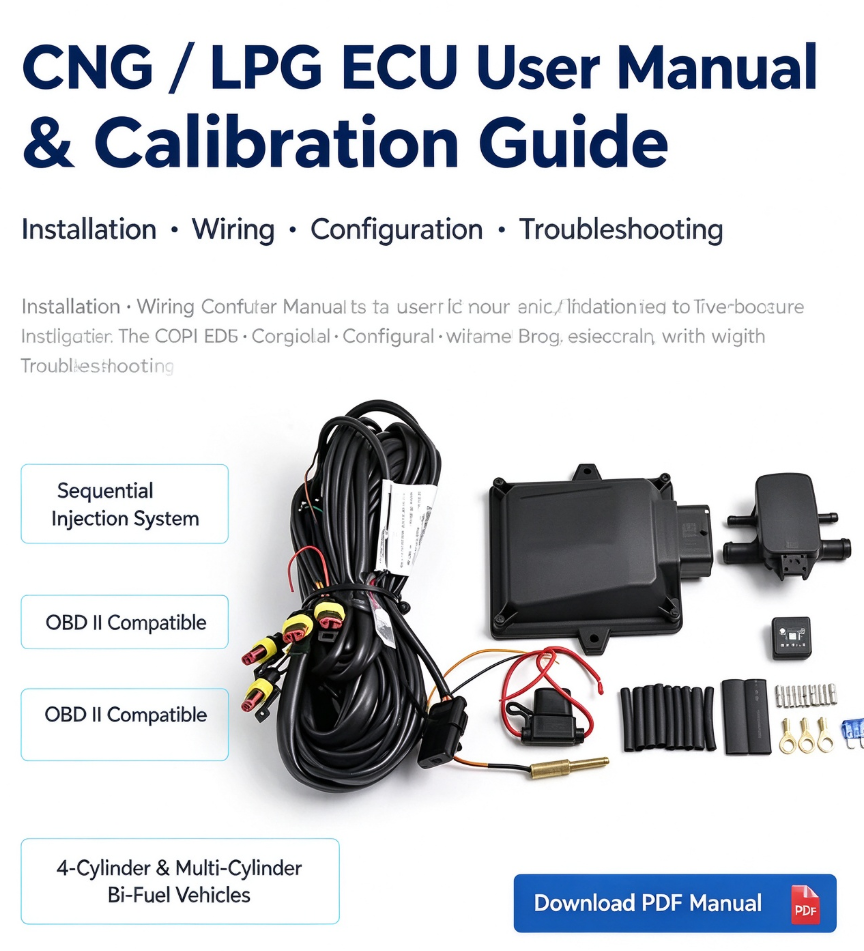
Welcome to the SCYUNCHENG Technical Support library. This page provides the official CNG and LPG Electronic Control Unit (ECU) User Manual, designed to assist conversion workshops, technicians, and installers in setting up, calibrating, and troubleshooting autogas systems.
1. Manual Overview & System Compatibility
Our ECU user manuals cover standard sequential injection systems. Whether you are installing a 4-cylinder or 6-cylinder bi-fuel system, this guide walks you through software installation, map calibration, and OBD auto-adaptation features.
2. Key Topics Covered in the User Manual
Software Installation & PC Connection: How to install the diagnostic software and establish a stable USB/serial communication link with the ECU.
Parameter Configuration: Setting engine type, fuel injector specifications (2Ω/3Ω rails), temperature thresholds, and gas switchover RPM.
Calibration & Auto-Mapping: Step-by-step instructions for performing idle collection, road tuning, and "One-Press Calibration" to match petrol fuel trims.
Troubleshooting & Error Codes: Diagnosing common dashboard warnings, pressure sensor anomalies, and OBD fault codes.
3. Download Official Documentation
Click below to download the latest PDF manuals and software packages:
📄 CNG/LPG ECU Standard User & Calibration Manual (PDF)

Technical Assistance & Customization
If you need specific firmware versions or have advanced technical questions regarding OEM calibration, reach out to our engineering support team via WhatsApp: +86 186 2808 8808 or email sales@scyuncheng.com.